The User Experience Design Process Step By Step Guide
Why the user experience design process matters (and what you’ll learn)
Have you ever used a new app or website and felt totally lost? Maybe you couldn’t find what you needed, or it was just hard to use. It’s a common problem, and it happens when products aren’t made with the user in mind. Many companies launch products without a clear plan for how people will actually use them. This often leads to products that don’t quite hit the mark, leaving users frustrated.
Actually, good products don’t just happen by accident. They come from a careful way of working called the user experience design process. This process is all about making sure that everything you create is easy, useful, and even fun for people to use. It’s not just about making things look pretty; it’s about making them work well for the people who matter most: your users. Understanding this process means you can design for outcomes that truly support people, not just sell them something [^3].
In this guide, we’ll walk you through the user experience design process step by step. We’ll cover everything from figuring out what users need, to designing ideas, testing those ideas with real people, and making improvements. You’ll learn the basics of UX design, including how things like mockups are made early on to show design ideas [^1]. We’ll help you understand how each part connects, making the whole UI/UX design process much clearer.
Learning this process is super important for making great products in 2026. Companies are always looking for people who can build useful web and digital tools [^6]. For remote workers and people looking for a new career, mastering the user experience in design can open many doors. It’s a skill that helps you create better outcomes for any product or service. Plus, strong process skills can even help you in other remote roles, like finding success in online money-making opportunities [^b].
By the end, you’ll have a clear framework to make products that people love.
Stage-by-Stage Overview: The Dependable UX Design Process
The user experience design process is like a clear map that helps you build great digital products. It’s a step-by-step way of working that makes sure what you create is actually useful and enjoyable for people. Let’s look at the main stages of this ui/ux design process.
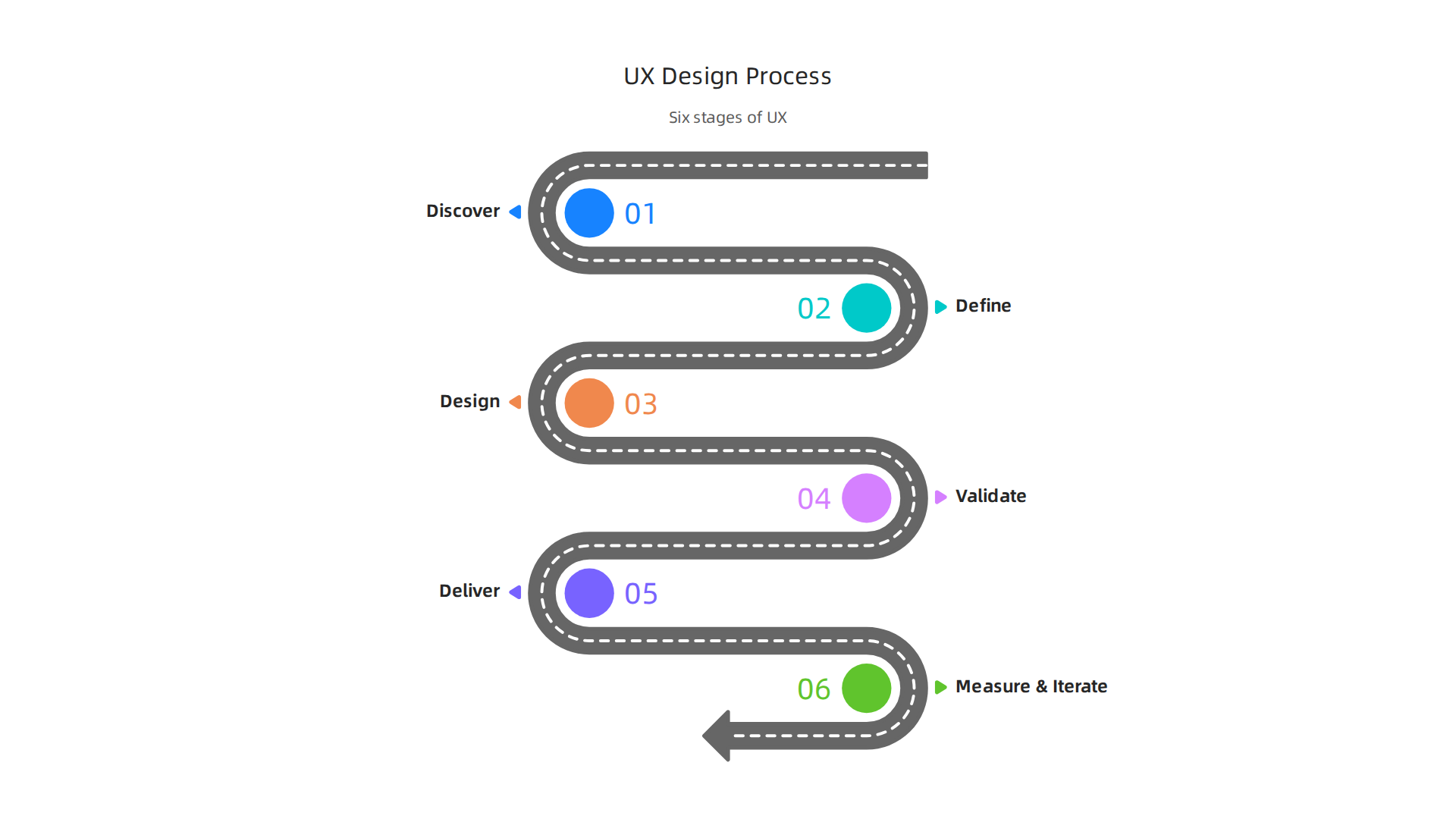
1. Discover: Understand Your Users
This first stage is all about listening and learning. You need to understand who your users are, what they need, and what problems they face. This is where you put on your detective hat.
- Goal: Find out user goals, behaviors, and pain points.
- What you make: User interviews, surveys, competitor studies, and user personas (fake but realistic user profiles) are common things made here.
2. Define: Pinpoint the Problem
Once you’ve gathered lots of information, the next step is to make sense of it. You’ll figure out what the real problem is that you need to solve. This helps everyone on the team focus.
- Goal: Clearly state the problem you are trying to solve and what success looks like.
- What you make: Problem statements, user stories (simple descriptions of what a user wants to do), and information architecture plans (how content is organized) are key deliverables. Good information architecture helps users find things easily.
3. Design: Create Solutions
Now for the fun part: coming up with ideas to fix the problem! This stage involves lots of brainstorming and sketching. It’s about turning ideas into visual plans.
- Goal: Develop possible solutions and how they might look and work.
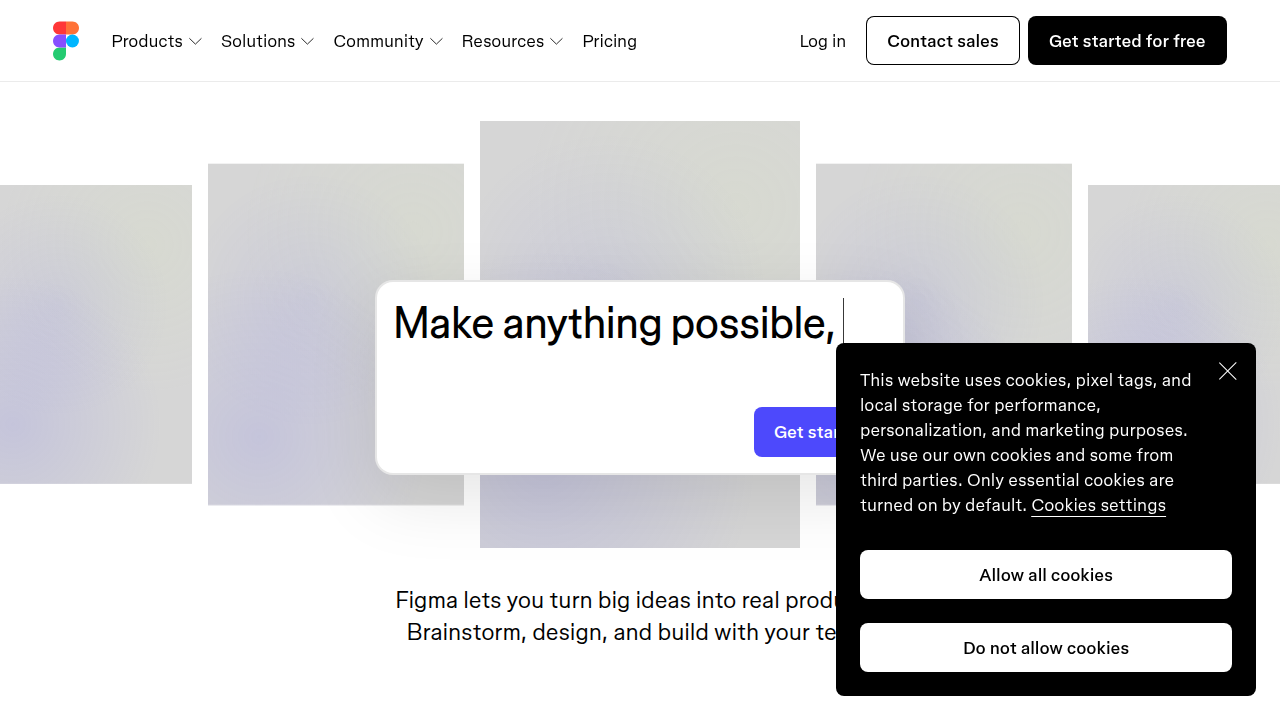
- What you make: You’ll create sketches, wireframes (simple layouts of a page), and mockups (more detailed designs showing visual style) [^1]. You might also build simple prototypes that show how a user would click through the product. Tools like Figma or Uizard are popular for this in 2026
[^19, ^20].
4. Validate: Test Your Ideas
Before building the final product, you need to check if your designs actually work for real users. This is where you get feedback and find out what needs to be better.
- Goal: Test your designs with real users to find out what’s good and what’s confusing.
- What you make: Usability test reports, which summarize what users did and said, help you make important changes.
5. Deliver: Build and Launch
After testing and making improvements, it’s time to prepare the designs for the people who will build the product.
- Goal: Hand over final designs to developers and make sure everything is ready for launch.
- What you make: High-fidelity designs (very detailed, final-looking designs) and style guides (rules for colors, fonts, etc.) are often passed along.
6. Measure & Iterate: Keep Improving
The work doesn’t stop once a product is launched. Good user experience in design means constantly looking at how people use the product and making it better over time.
- Goal: Track how the product is used and plan future updates based on real data.
- What you make: Analytics reports show how people interact with the product. This helps you plan new features or fix hidden problems.
Understanding these basics of UX design can open doors to exciting career paths. For those looking to work from home, strong process skills can even help you find success in making money online in 2026.
Research: How to gather evidence that drives design decisions
The first step in any good user experience design process is to really get to know the people who will use your product. This means doing research. Think of it like being a detective. You need to gather clues and facts to understand what people need and what problems they face. This helps you make smart choices in the ui/ux design process, not just guesses.
There are two main ways to do research in user experience in design:
Two Big Kinds of Research: Qualitative and Quantitative
- Qualitative Research: Understanding "Why"
This type of research helps you understand why people do what they do. It’s about feelings, thoughts, and opinions.- User Interviews: This is when you talk to people one-on-one. You ask them open questions about their experiences, hopes, and worries.

It helps you get deep insights.
* Focus Groups: Here, you talk to a small group of people at the same time. They can share ideas and build on each other’s thoughts.
Qualitative research gives you rich stories and helps you empathize with users.
- Quantitative Research: Understanding "How Many"
This research uses numbers and facts to tell you what is happening or how many people are doing something.- Surveys: You ask many people questions, often with choices they can pick. This helps you see common trends and patterns across a large group.
- Website Analytics: This involves looking at data about how people use a website or app. You can see where they click, how long they stay, and if they finish a task.
- A/B Testing: You show two different versions of something to different groups of users to see which one works better.
Tools like usability testing, surveys, and analytics are effective for collecting user experience data [^alphaapibtc.jaffer.com]. Quantitative research helps you measure things and confirm what you might have learned from qualitative research. UX researchers have many duties, from creating early designs to running tests with real users [^sk.sagepub.com].
Smart Ways to Do Research on a Budget
You don’t always need a lot of money to do good research as part of the user experience design process. Here are some simple, low-cost ways, especially helpful for beginners or remote workers in 2026:
- Guerrilla Testing: This is quick and informal. You can go to a coffee shop or public place and ask a few people to try out a simple design idea for a few minutes. It gives fast feedback without much planning.
- Remote Interviews: If you’re a remote worker, you can use video call tools to talk to users from anywhere. It’s an easy way to connect with people who are far away and learn about their needs.
- Online Surveys: Use free tools like Google Forms to create and send out surveys. You can gather opinions from many people without spending a cent.
- Look at What’s Already There: Check out what competitors are doing. What works well on their websites or apps? What seems confusing? You can also look at public reports or online forums to see what problems people are talking about.
Learning these basics of ux design, especially how to understand users, is a big part of succeeding in many remote jobs. For example, knowing how to ask the right questions and listen well can make you a much better remote appointment setter in 2026, where understanding client needs is key. Good research helps make sure your designs are truly helpful and enjoyable.
Personas and customer journeys: Turning research into user understanding
After you’ve done all that detective work and gathered clues about your users, what’s next? You need to make sense of it all. This is where tools like personas and customer journey maps come in. They help you turn all your research data, from interviews to analytics, into clear pictures that guide the entire user experience design process. Think of it as taking all those puzzle pieces and putting them together to see the full picture of your user. Understanding your users deeply is a core part of the basics of ux design. In fact, understanding user behavior, psychology, and decision-making are critical skills for UX professionals in 2026, not just technical tools or pixels [^worldusabilitycongress.com].
Getting to Know Your Users with Personas
A persona is like a made-up person who represents a big group of your real users. It’s not a real person, but it’s based on all the facts you collected from your research. Giving your users a face, a name, and a story makes it easier to remember who you’re designing for. This makes the ui/ux design process much more focused.
Here’s a simple way to build a persona:
- Name: Give your persona a name, like "Tech-Savvy Tina" or "Busy Bob."
- Picture: Find a photo that looks like them (not a real person, just a general image).
- Demographics: How old are they? What’s their job? Where do they live?
- Goals: What do they want to achieve? What problems are they trying to solve with your product?
- Frustrations: What difficulties do they face? What makes them unhappy?
- Quote: A short sentence they might say that sums up their attitude or goal.
For example, if your research showed that many users are parents who need quick ways to manage tasks, your persona might be "Busy Mom Brenda" who wants to save time and finds complicated apps frustrating. Creating personas helps you make design choices that truly fit what these "people" need.
Mapping Their Path with Customer Journeys
Once you have your personas, the next step in the user experience design process is to map out their journey. A customer journey map is like a story that shows all the steps a user takes to reach a goal when using your product or service.
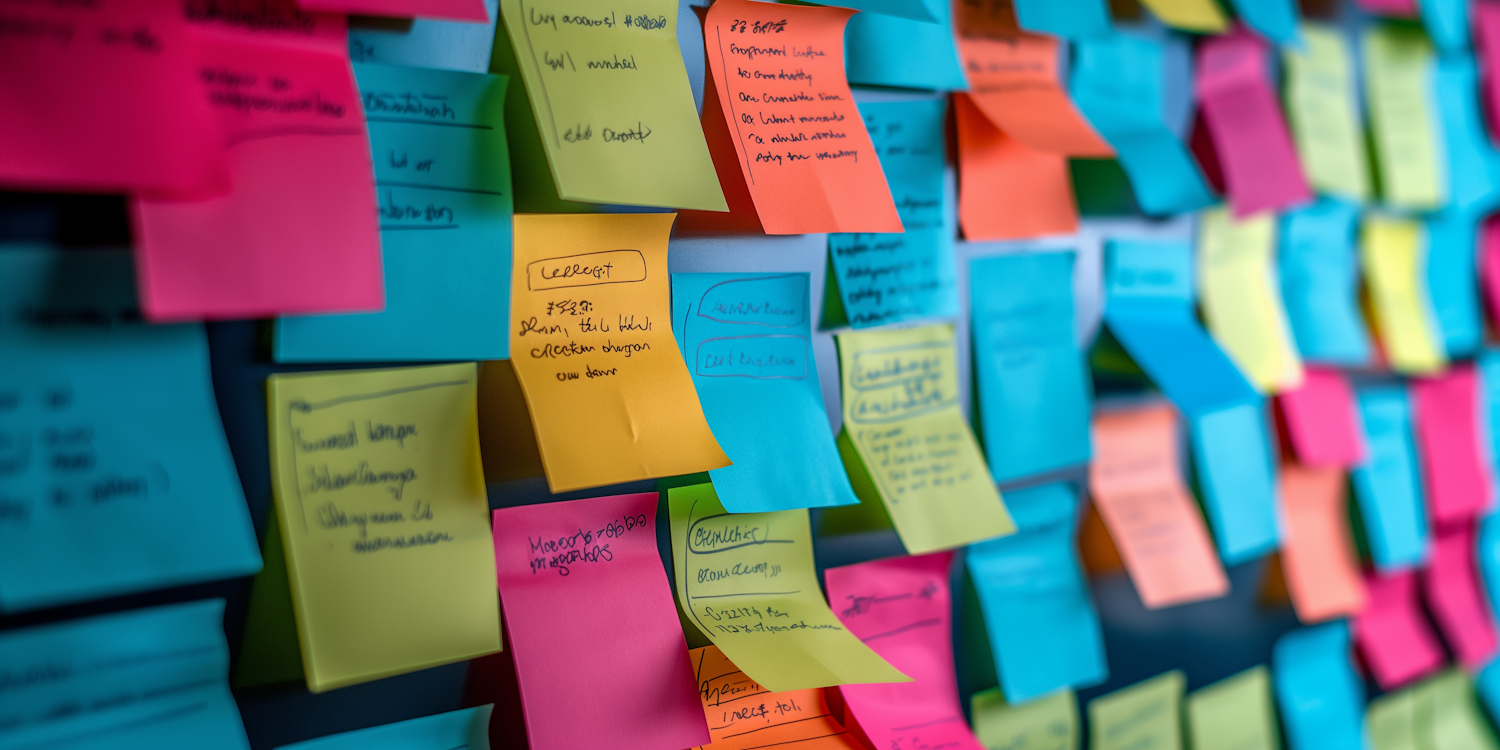
It shows their actions, thoughts, and feelings at each point. This is very helpful for seeing where things go well and where they might go wrong. This way, you can improve the user experience in design.
Here’s how to create a journey map:
- Pick a Persona: Choose one persona you want to focus on for this map.
- Define the Goal: What is this persona trying to achieve? (e.g., "buy a new book," "find a recipe," "sign up for a service").
- List the Steps: Write down every single step your persona takes from start to finish. This includes steps before they even use your product (like "thinking about the problem") to after they finish (like "sharing feedback").
- Note Actions, Thoughts, and Feelings: For each step, write down:
- What they are doing: (e.g., "searching online," "clicking a button," "reading instructions").
- What they are thinking: (e.g., "Is this too expensive?" "I hope this works," "This is easy!").
- How they are feeling: (e.g., "excited," "frustrated," "confused," "happy").
- Identify Pain Points: Look for moments where your persona feels confused, frustrated, or stuck. These are opportunities to make your design better.
- Find Opportunities: Where can you make the experience smoother, faster, or more enjoyable?
By using personas and journey maps, you take the raw facts from your research and turn them into clear, actionable insights. This helps you understand what your users need and how they interact with your product, leading to better design decisions. Understanding these user stories can also help in other jobs, like when you need to understand customer needs to develop smart business policies. It’s a key skill for improving how you interact with others, even when learning about how small business policy makes you a better remote appointment setter.
Information architecture and content strategy: Structuring products for usability
After learning all about your users and their journeys, you might wonder, "How do I put everything together so they can actually find what they need?" That’s where information architecture (IA) and content strategy come in. These are important parts of the user experience design process because they help you organize your product in a way that makes sense to users. Think of it like building a house: personas tell you who lives there and what they do, and IA makes sure the rooms are laid out logically, and content strategy fills those rooms with useful furniture.
Organizing with Information Architecture
Information architecture is all about arranging and labeling content so users can easily find what they’re looking for. A good IA makes the user experience in design smooth and easy, almost like magic. In 2026, making sure things are easy to find is still a big deal for any digital product or service [^ixdf.org].
Here are some ways designers build strong information architecture:
- Card Sorting: This is like a game where users are given cards with names of content or features. They then group these cards in ways that make the most sense to them. This helps designers understand how users think things should be organized.
- Site Maps: A site map is like a blueprint or family tree for a website or app. It shows all the main pages and how they connect to each other. This helps you see the whole structure at a glance.
- Taxonomy Work: This involves deciding on the best words and categories to use for your content. For example, should a section be called "About Us" or "Our Story"? Should products be listed under "Electronics" or "Gadgets"? Clear naming helps users find things quickly [^masterclass.com].
When you organize information well, it helps users feel smart and in control, making the overall ui/ux design process much better.
Planning with Content Strategy
Content strategy works hand-in-hand with information architecture. While IA gives you the structure, content strategy is about planning what information goes into that structure. It decides what content you need, how it will be created, and how it will help your users.
For example, if your product is new or an early version (sometimes called an MVP, which stands for Minimum Viable Product), your content strategy needs to be smart. You should focus on only the most important content that helps users do the main things they need to do. Don’t try to write every single thing right away. Instead, prioritize:
- Essential Instructions: What does the user absolutely need to know to get started?
- Key Information: What facts will help them make decisions?
- Problem-Solving Content: What answers will solve their biggest worries or questions?
By carefully planning both how you arrange information (IA) and what information you share (content strategy), you make sure that your product is not only easy to use but also truly helpful. It’s a core part of the basics of ux design and helps you create a clear path for anyone engaging with your product. Just as knowing how to structure a website helps users, understanding how to organize policies can help you in other areas, like learning how small business policy makes you a better remote appointment setter.
Interaction and visual design: Principles, patterns, and accessibility
After you’ve figured out how to organize all your information and what content to share, the next step in the user experience design process is to make it look good and feel easy to use.
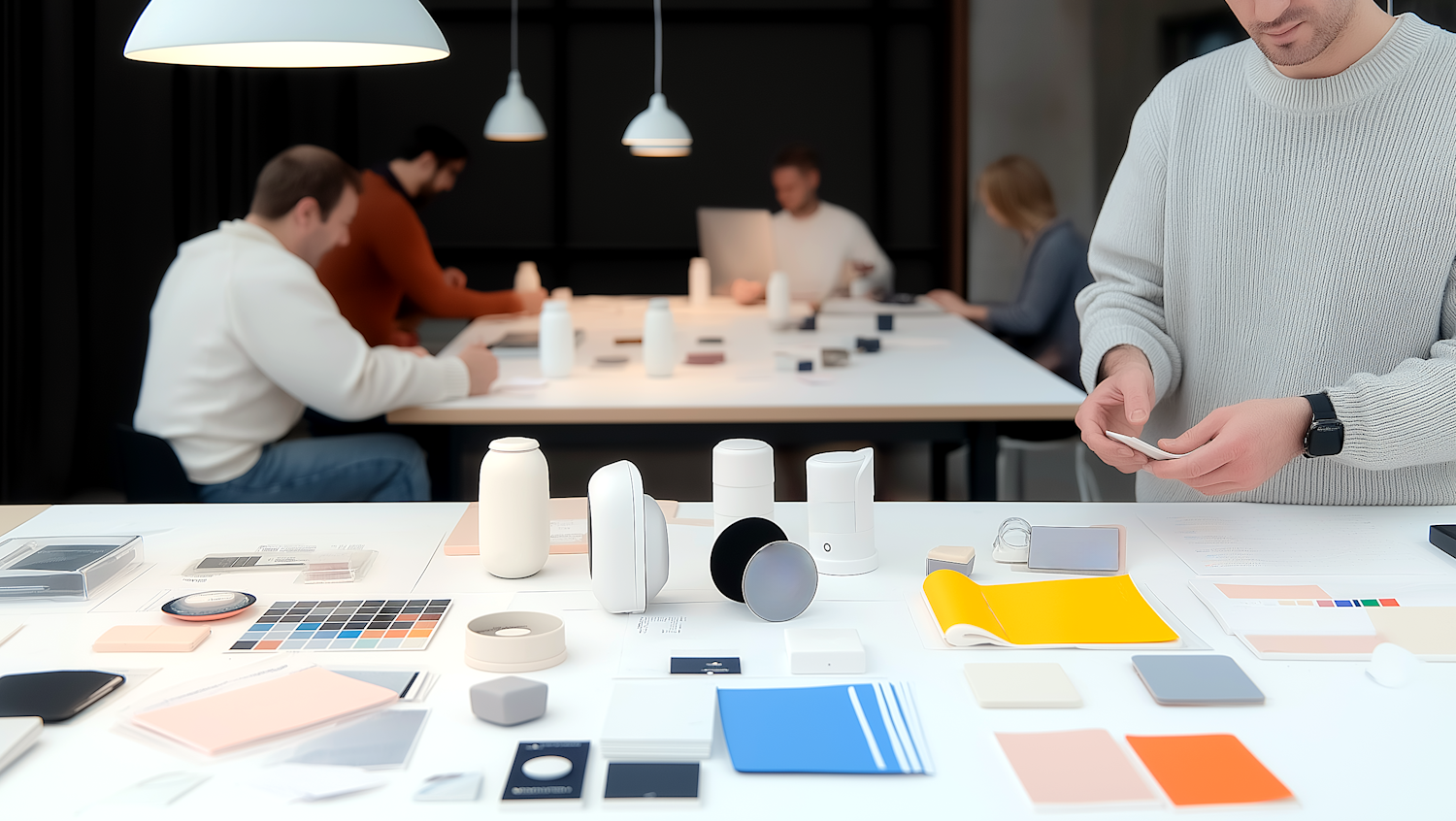
This is where interaction design and visual design come in. These parts of the ui/ux design process help make sure your product is not only clear but also nice to look at and simple to interact with.
Making Things Easy to Interact With
Interaction design is all about how users actually do things with your product. It focuses on the back-and-forth between a user and the digital tool. Good interaction design makes every click, tap, or swipe feel natural. Here are some key ideas:
- Feedback: When you click a button, does it change color? Does a loading spinner show up? Giving users feedback helps them know their action was received. It’s like when you talk to someone and they nod their head.
- Consistency: Buttons that do the same thing should look and act the same way across your entire product. If a shopping cart icon is always in the top right corner, users will always know where to find it.
- User Control: People like to feel in charge. They should be able to undo actions, pause processes, or choose different options. This helps them trust the product more. Testing how users interact with a product, often called usability testing, is a big part of making sure these interactions work well, even for things like health record systems [^healthit.gov].
Making Things Look Good
Visual design is about how your product looks. It deals with colors, fonts, images, and the overall layout. The goal is to make the product appealing and to guide the user’s eye to the most important parts. This is called visual hierarchy.
Think about these ideas for good visual design:
- Contrast: Use different colors or sizes to make important things stand out. A big, bright "Buy Now" button will grab attention more than a small, gray one.
- Repetition: Using the same styles for similar items helps create a clear look. For example, all headings might be the same color and font.
- Alignment: Lining things up neatly makes a design look clean and organized.
- Proximity: Putting related things close together helps users understand they belong together. For example, a picture and its caption should be near each other.
Design for Everyone: Accessibility
A truly great user experience in design means making your product usable by everyone. This is called accessibility and inclusive design. It’s not just a nice-to-have, but a must-have in 2026. This means designing for people with different abilities, like those who can’t see well, can’t hear, or have trouble using a mouse.
For example:
- Readable Text: Make sure text is large enough and has good contrast with the background.
- Keyboard Navigation: Can someone use your product without a mouse, just by using their keyboard?
- Alternative Text for Images: Describe images for people who use screen readers.
The 2026 UX Trends Report even talks about "neuro-inclusivity" which means designing for different ways people’s brains work [^worldusabilitycongress.com]. By thinking about accessibility from the start, you make sure your product welcomes all users. Learning these basics of ux design is an important step, just like learning how to become a remote appointment setter in 2026 requires understanding the core steps involved.
Prototyping and usability testing: Rapid learning to reduce risk
After you’ve thought about how your product should look and feel, the next big step in the user experience design process is to build a test version and see how real people use it. This is where prototyping and usability testing come in. They help you learn fast and fix problems early, which can save a lot of time and money later on. It’s a key part of the ui/ux design process.
Building Your Test Version: Prototypes
A prototype is like a draft version of your product. It’s not the final thing, but it lets you try out your ideas without building the whole product. There are two main types:
- Low-Fidelity Prototypes: These are very simple, like sketches on paper or basic wireframes. They don’t look pretty, but they help you quickly test big ideas about how your product should work. You use them early on to check if your basic plan makes sense. Think of it as drawing a rough map before building a house. They are great for getting fast feedback on the overall flow.
- High-Fidelity Prototypes: These look and act much more like the finished product. They have colors, fonts, and interactive parts that feel real. You use these when your ideas are more solid and you want to test the details, like specific button placements or how a form works. Tools like Figma or Adobe XD are often used for creating these more detailed versions.
Choosing which type of prototype depends on how far along you are in the user experience design process. Early on, go low-fidelity. As you get closer to the final product, switch to high-fidelity. UX researchers often work on developing these prototypes as part of their job, collaborating with others to make sure they’re ready for testing [^researchfordesigners].
Watching Users in Action: Usability Testing
Once you have a prototype, you need to see if people can actually use it easily. This is usability testing, and it’s a critical part of making sure your user experience in design is successful. It involves watching real users try to complete tasks with your prototype and listening to their feedback.
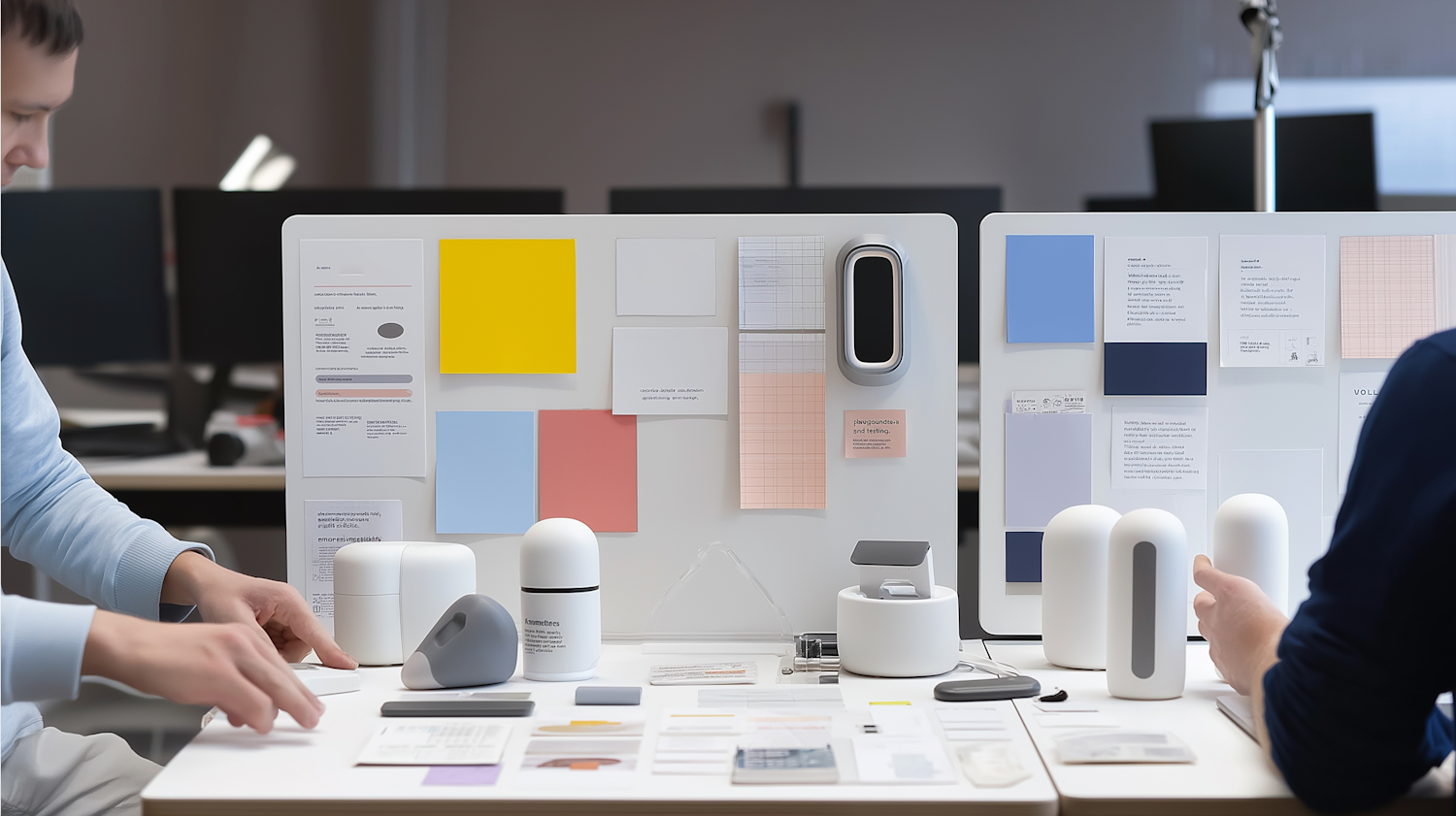
This helps you find problems and make improvements. In 2026, many companies use remote usability testing, which means people can test your product from their own homes [^remoteusabilityhealthcare]. This makes it easier to get feedback from many different users. Studies have even looked into how remote testing can help improve health systems [^developmentusability].
Here’s a simple way to test your prototype:
- Find a Few Users: You don’t need a lot of people to find most of the big problems. Even 5 to 6 users can give you a lot of insight.
- Give Them Tasks: Instead of just asking, "Do you like this?", give them specific things to do, like "Find the contact page" or "Add an item to your cart."
- Watch and Listen: As they do the tasks, watch how they use the prototype. Do they struggle? Where do they get confused? Ask them to "think aloud" so you know what they’re thinking.
- Take Notes: Write down what works and what doesn’t. This feedback is gold for improving your design.
- Repeat: Fix the problems you found, then test again with a few new users. This helps you quickly make your product better.
The goal of this part of the ui/ux design process is rapid learning. By testing often with prototypes, you reduce the risk of building something that users don’t understand or can’t use. It’s all about making sure the basics of ux design are solid.
Learning these steps is like learning the blueprint for a house; it ensures a strong foundation. To continue your journey in understanding key skills, you might want to explore how to develop a successful remote career.
Learn more about building a sustainable career path by exploring how to make money online in 2026.
Measuring impact: KPIs, A/B testing, and demonstrating ROI
After you’ve tested your ideas with prototypes, the next big question is: how do we know if our design changes actually make a difference? This is where measuring impact comes in. It’s about looking at numbers to see if your work improved things for users and for the business. This is a very important part of the user experience design process.
Understanding UX KPIs: Your Design’s Scorecard
Key Performance Indicators, or KPIs, are like a scorecard for your design.
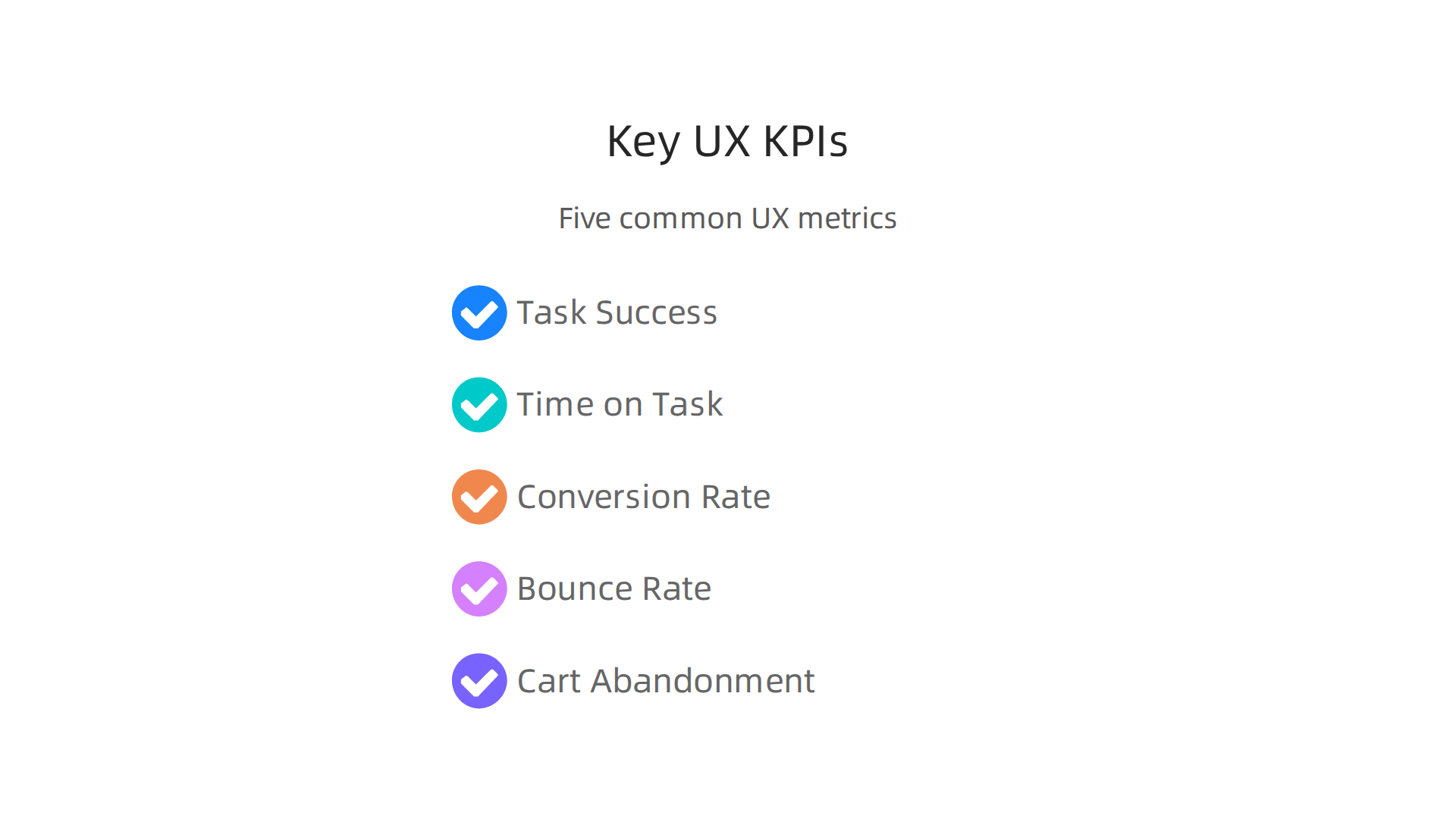
They are numbers that show you if your product is working well. By tracking these numbers, you can see how good your user experience in design really is.
Here are some common UX KPIs:
- Task Success Rate: This measures how many people can complete an important task, like signing up for an account or finding information. If more people succeed, your design is doing well.
- Time-on-Task: This tells you how long it takes users to finish a task. If your new design helps people do things faster, that’s a good sign they find it easy to use.
- Conversion Rate: This is a super important number. It shows how many users do a desired action, like buying a product, signing up for an email list, or filling out a form. A higher conversion rate usually means a better user experience, which helps the business earn more. Studies often show how A/B testing can help improve conversion rates and sales online [^online_sales_ab_testing].
- Bounce Rate: This counts how many people visit your page but leave right away without doing anything. A low bounce rate means people are finding what they need and sticking around.
- Cart Abandonment Rate: For shopping sites, this measures how many people put items in their cart but then leave without buying them. A good UI/UX design process can lower this number, saving potential sales.
By keeping an eye on these KPIs, you can link your design choices directly to business outcomes. It helps you show that good design is not just about making things look nice, but about making them work better for everyone.
A/B Testing: Letting Users Decide
Sometimes, you have two good ideas for how something should look or work. How do you pick the best one? That’s what A/B testing is for. You show half of your users version "A" of your design and the other half version "B." Then, you watch to see which version performs better based on your KPIs.
For example, you might test two different button colors or two ways to write a headline. Tools like Figma and Adobe XD are great for creating different versions of designs to prepare for testing [^dev_community_tools], and many UX tools help with the testing part itself [^uxia_tools_2026].
Here’s how A/B testing works in the basics of ux design:
- Pick one thing to change: Don’t change too many things at once. Test just one new button, one new image, or one different piece of text.
- Create two versions: Your original (A) and your new idea (B).
- Show them to different users: Make sure each group of users is similar.
- Measure the results: Track your KPIs for both versions. Which one led to more task successes, faster times, or higher conversion rates?
- Choose the winner: The version that performs better is the one you should use.
A/B testing helps you make smart decisions based on real user behavior, not just guesses. It helps improve the user experience design process step by step.
Showing Your Value: Demonstrating ROI
ROI means "Return on Investment." It’s about showing that the time and money spent on good design actually brings more money or value back to the business. When you improve user experience in design, you often see happy customers, which can lead to more sales, more loyal users, and fewer customer support calls.
By tracking your KPIs and running A/B tests, you can prove that your UX design efforts are worth it. For example, if a design change leads to a 10% increase in sales, you can show the business exactly how your work created that extra income. This makes the ui/ux design process not just about users, but about smart business decisions.
Understanding how to measure the real-world impact of your work is a key skill. If you’re interested in how these skills translate into building your own successful path, you might find it helpful to learn about growing your own business.
Discover how to navigate the world of small business and entrepreneurship by exploring how to buy a small business for entrepreneurial success.
Summary
This article explains why a clear user experience (UX) design process matters and walks you through each stage from discovery to measurement. You’ll learn how to research real users, turn findings into personas and journey maps, and organize content with strong information architecture. The guide shows how to design interactions and visuals that are usable and accessible, then build prototypes and run usability tests to learn fast. It also covers measuring impact with KPIs and A/B tests so you can link design work to business outcomes. Practical tips include low-budget research methods, remote testing approaches, and how to hand off designs to developers. By following the process described, you’ll be able to create more useful, usable products and demonstrate the value of UX work to stakeholders.
